
A few months ago, while reviewing remote work and communication tools, I noticed the same pattern across very different users: they were downloading multiple apps to solve one problem poorly instead of choosing the right category once. The simplest answer is this: the best mobile app choice starts with the pain point, not the feature list. If your issue is identity separation, family visibility, or conversation recap, each problem belongs to a different app category and should be judged by different standards.
That distinction matters for any company building useful digital tools, and it matters just as much for the people using them. At Dynapps, the product mix makes this easy to explain because the apps span communication utilities, family status monitoring, and chat analysis tools. From an editorial point of view, these are not interchangeable products. They solve separate jobs.
Step 1: The problem category matters more than the app store ranking
When people search for new apps, they often compare screenshots and ratings before they define the problem clearly. In my experience covering digital communication tools, that is where poor choices begin. A category-focused decision is more reliable because it asks a basic question first: what friction is happening in daily life?
Most users in this space fall into one of three practical categories:
- They need a second identity for calls or sign-ups without using their primary phone number.
- They want better awareness around a family member's online status or messaging activity patterns.
- They want to understand a chat history after the fact, whether for reflection, humor, or communication insight.
Those are different user intents. A virtual number tool should not be judged like a family monitoring app, and a recap app should not be evaluated like a calling service.

Step 2: Identity separation is usually the first communication pain point
The most common communication issue I see is not calling quality by itself. It is boundary management. People want one line for work, marketplace listings, travel, short-term projects, or account verification, while keeping their main personal number private.
A second number app is, simply put, a service that gives you an additional calling or messaging identity without requiring another physical device. Unlike a standard carrier setup, it is designed for flexibility first. That makes this category especially useful for freelancers, small business operators, remote teams, and anyone who prefers not to hand out a personal line broadly.
What users should prioritize here:
- Reliability of calling and delivery
Look past marketing language. Ask whether the service is stable enough for everyday use, not just emergency sign-up codes. - Clarity about what the number is for
Some users need a number for calls, some for SMS, some for temporary privacy, and some for longer-term business use. The category only works well when the use case is defined upfront. - Control over privacy
Your extra number should reduce exposure, not create more confusion about where your data goes. - Ease of setup
A communication tool becomes frustrating quickly if setup feels like carrier paperwork on a smaller screen.
A practical example from the Dynapps portfolio is DoCall, a second phone number app for virtual number and VoIP use. I mention it here as a clear example of this category: it is relevant when the pain point is identity separation, not when the real need is family monitoring or chat recap.
This is also where many users compare app-based numbers with carrier options such as Google Fi. That comparison can be useful, but the decision depends on commitment level. Carrier-linked options tend to suit people replacing or consolidating service, while app-based second number tools often suit people who want an added layer without changing their primary setup.
Step 3: Family visibility tools should be evaluated through boundaries, not curiosity
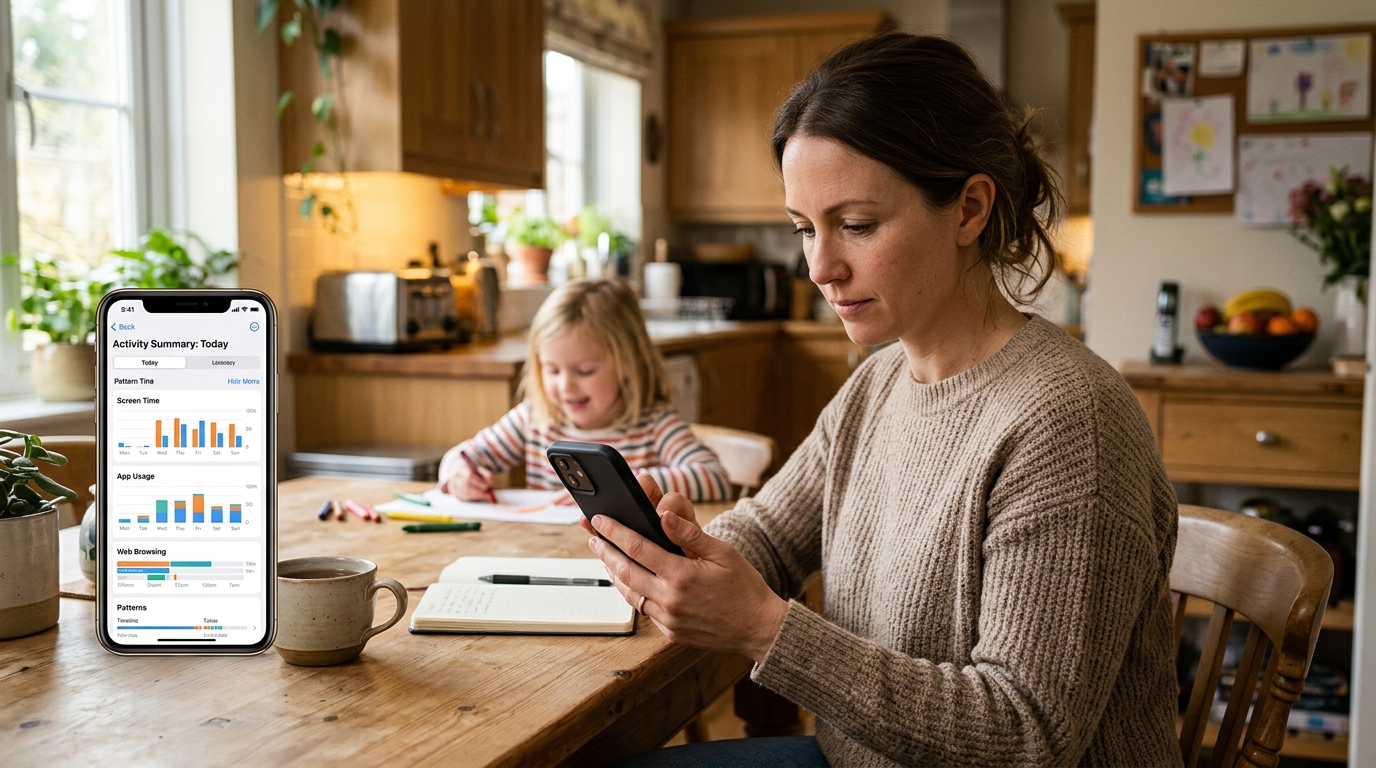
The second major category is family status monitoring. This is a sensitive area, and it deserves more discipline than casual app browsing usually gives it. The strongest reason to use this type of app is not vague surveillance. It is coordination: understanding habits, noticing unusual inactivity or unusual spikes in activity, and reducing uncertainty inside a family routine.
Who benefits most from this category? Usually parents, caregivers, and households trying to understand communication patterns around dependents or close family members. Who should be cautious? Anyone looking for control without consent, or anyone expecting a tracking app to fix trust issues by itself.
What users should prioritize here:
- Purpose before installation
Be honest about whether you need insight, reassurance, or control. Those are not the same thing. - Pattern analysis over constant checking
Good family tools are more useful when they help users notice trends rather than forcing them into obsessive monitoring. - Clear privacy expectations
Users should understand what is being monitored, what is not, and how data is handled. - Fit for household communication habits
If the family relies heavily on messaging platforms, a tool focused on online status may be more relevant than a broader location-oriented product.
Mona, the family tracker app in the Dynapps portfolio, is a useful reference point for this category because it focuses on online status and last seen analysis for messaging-based family observation. That distinction matters. Not all family apps solve the same problem. Some are about movement, others about device location, and others about communication patterns. Choosing the wrong category often creates disappointment that looks like a product failure but is really a mismatch in expectations.
Step 4: Chat recap tools are best when the goal is reflection, not record keeping
The third category is newer but increasingly relevant: chat analysis and recap tools. These apps turn exported conversation histories into readable summaries, patterns, and highlights. In plain terms, they help users make sense of long message threads that are too dense to review manually.
I often see people misunderstand this category at first. It is not the same as a backup tool, and it is not just entertainment. In the right context, it can help users revisit relationship dynamics, group chat trends, recurring topics, or simply memorable moments from a long conversation archive.
What users should prioritize here:
- Input method
Check whether the app works through exported chat files rather than direct account access. That affects both convenience and privacy expectations. - Quality of summaries
The output should be understandable, structured, and actually useful to a human reader. - Emotional context
Some people want a fun recap; others want a more interpretive summary. Know which one you expect. - Data handling
Any app processing conversation history should be assessed carefully, because message archives are often highly personal.
In this category, Wrapped AI Chat Analysis Recap is a practical example of a tool built around uploaded WhatsApp chat exports and generated recaps. Again, the category fit is the key point. It makes sense when a user wants insight from an existing conversation history. It does not replace messaging, calling, or monitoring tools.
Step 5: Device compatibility should be practical, not obsessive
One of the easiest ways to waste time when choosing mobile tools is over-focusing on specific handset names before checking category fit. Yes, users will reasonably ask whether an app works well on an iPhone 14, iPhone 14 Pro, iPhone 13, or iPhone 11. Compatibility matters. But if the category is wrong, perfect device support will not help.
I usually suggest checking compatibility in this order:
- Does the app category match the problem?
- Does the app support your operating system version?
- Does the experience feel stable on your device generation?
- Does the pricing model make sense for how often you will use it?
This sounds obvious, but many users reverse it. They start with handset-specific searches and only later ask whether they needed that type of app at all.
Step 6: A simple comparison keeps category confusion from becoming buyer regret
Here is the cleanest way to compare these verticals:
| Category | Main pain point | Best for | Wrong expectation to avoid |
|---|---|---|---|
| Second number and VoIP | Keeping a personal line private | Work, selling online, travel, sign-ups | Expecting it to replace every carrier need |
| Family status monitoring | Reducing uncertainty around online habits | Parents and caregivers seeking patterns | Expecting it to repair trust on its own |
| Chat recap and analysis | Understanding long conversation histories | Users who want summaries and reflection | Expecting it to function like a live messenger |
A good app decision usually comes from accepting one fact: utility is category-specific. The feature that matters in one vertical may be irrelevant in another.
Step 7: The best app portfolios reflect real-life jobs, not random features
One reason I find the Dynapps setup interesting from an editorial perspective is that its product lines map to distinct everyday jobs rather than one bloated platform trying to do everything. That kind of separation is often healthier for users. It makes evaluation simpler, and it encourages more realistic expectations.
For readers comparing options, the useful takeaway is straightforward: treat app categories as separate decision paths. A second number tool, a family monitoring app, and a chat recap product may all sit under one company umbrella, but they should still be evaluated against different user needs, different privacy expectations, and different success criteria.

Step 8: A few practical questions can prevent the wrong download
Do I need another number or just better message organization?
If the issue is privacy around calls, sign-ups, or listings, a second number app is the better fit. If the issue is understanding what happened in chats, look at recap tools instead.
Should I choose a family monitoring app if I mostly want location updates?
Not necessarily. Some family apps focus on online status patterns rather than physical location. Match the app to the kind of visibility you actually need.
Is a chat recap app only for entertainment?
No. It can also be useful for reviewing communication patterns, recurring themes, or preserving meaningful conversation highlights in a digestible form.
Is it better to use one all-purpose platform for everything?
Usually not. In communication tools, specialist apps often make more sense because the privacy model, workflow, and expectations differ sharply from one category to another.
Step 9: Priorities should be set before features are compared
If I were advising a user from scratch, I would keep the framework very simple. First define the problem. Then define the level of privacy sensitivity. Then decide whether the task is ongoing or occasional. Only after that would I compare interfaces, pricing, or extra features.
That order is especially important in the mobile market because abundance creates noise. People do not struggle because there are too few options. They struggle because many options appear similar on the surface while solving entirely different problems underneath.
For users, the lesson is practical: choose by job to be done. For any app company, the lesson is just as important: clarity of category is part of product quality. When an app explains what it is for and what it is not for, adoption tends to be healthier and expectations more realistic.
That is the standard I recommend applying whether you are reviewing DoCall, Mona, a chat recap tool, or any comparable service. Better app choices start with better categorization.